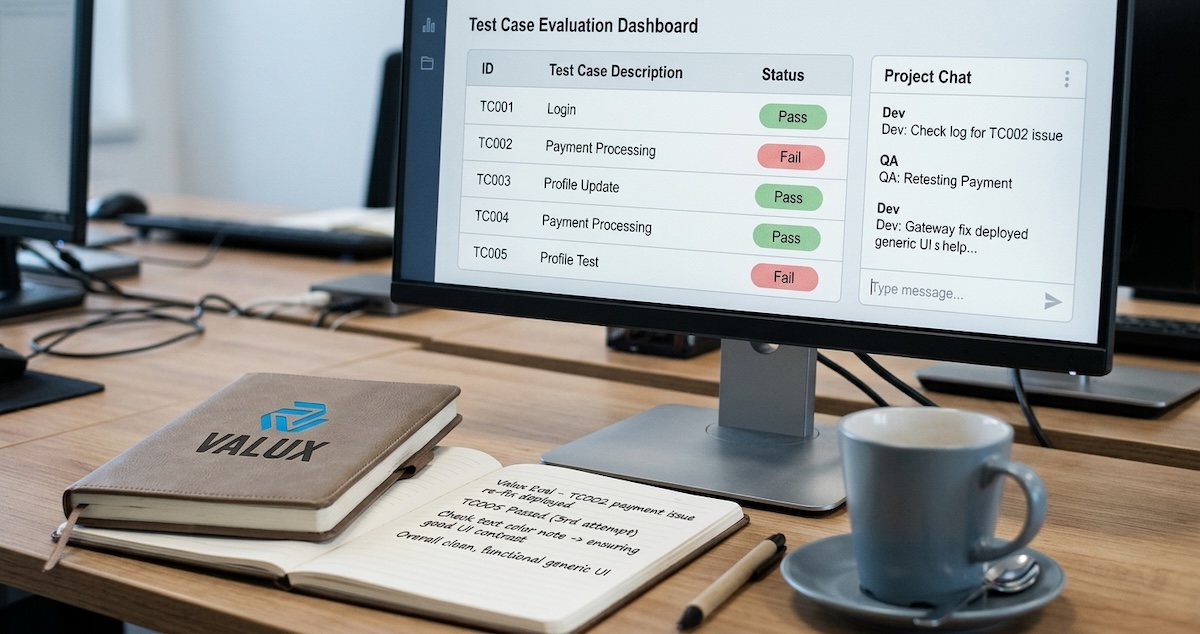
Almost every business has now tried a chatbot demo that looked brilliant in a meeting and fell apart on real customer questions. The model was not the problem. The integration was: no grounding in company data, no way to measure quality, and no plan for what happens when the answer is wrong.
Large language models are genuinely useful for support, document processing, internal search, and drafting. But getting value from them is an engineering exercise, not a subscription. The teams that succeed treat an LLM feature like any other production system, with clear scope, tests, monitoring, and a fallback.
In this guide, you'll learn:
- How to choose a first use case that is small enough to ship and measure
- Which integration pattern fits your problem: prompting, retrieval, fine-tuning, or agents
- How to evaluate, secure, and control the cost of an LLM feature in production
This is the approach we follow when we add AI to a client's product.
Table Of Contents
1. Pick One Narrow Job First
"Add AI to our app" is not a use case. "Draft a first reply to support tickets in the returns category" is. The narrower the job, the easier it is to define what a good answer looks like, and the easier it is to prove value.
Good first candidates share three traits: the task is repetitive, a human can quickly check the output, and a mistake is cheap to catch. Summarizing long documents, classifying incoming requests, extracting fields from invoices, and drafting replies all fit. Fully autonomous decisions about money or legal commitments do not.
Pro Tip: Write down the current manual process and its time or cost per item first. That number is the baseline your AI feature has to beat.
2. Choose the Right Integration Pattern
Most teams jump to fine-tuning when a simpler pattern would do. Work up the ladder only as far as the problem demands.
| Pattern | Use it when | Trade-off |
|---|---|---|
| Prompting | The task needs general knowledge and clear instructions | Cheapest and fastest, limited by the model's context |
| Retrieval (RAG) | Answers must come from your documents or data | Needs a search index and good content hygiene |
| Fine-tuning | You need a consistent style or narrow task behavior at scale | Needs labeled data and ongoing maintenance |
| Agents and tool use | The model must take actions, such as querying a system | Hardest to test, needs strict permissions |
In our experience, prompting plus retrieval covers the majority of business cases. Reach for agents only when the workflow genuinely requires multiple steps and system access.
3. Ground the Model in Your Own Data
A model that has not seen your policies, prices, or product catalog will guess, and it will guess confidently. Retrieval-augmented generation fixes this by fetching the relevant passages at question time and giving them to the model as context.
- 1User questionNatural language
- 2SearchFind relevant passages
- 3Build promptQuestion plus sources
- 4Model answersCites its sources
- 5Check and logFeedback for improvement
Retrieval quality depends far more on your content than on the model. Outdated pages, duplicate documents, and contradictory policies produce contradictory answers. Cleaning and structuring the source material is often the highest-value work in the whole project.
4. Evaluate Before You Ship
You cannot improve what you do not measure, and eyeballing a few outputs is not measurement. Build a small evaluation set before you write the final prompt: 50 to 200 real examples with the answer you would accept.
Then score every change against it. Track accuracy on the task, how often the model refuses or invents facts, and how often a human has to correct it. When you change the prompt, the model version, or the retrieval settings, rerun the set. This turns opinions into numbers and catches regressions before customers do.
For subjective outputs like tone, a second model can act as a first-pass judge, but sample its scores against human review regularly.
5. Guardrails, Privacy, and Human Review
Production LLM features need boundaries.
- Input handling. Treat user text and retrieved documents as untrusted. Prompt injection, where hidden instructions in content try to hijack the model, is a real attack.
- Data privacy. Decide what data may leave your environment. Strip or mask personal and financial data where you can, and review your provider's data retention terms.
- Permissions. If the model can call tools, give it the minimum access needed and require confirmation for anything irreversible.
- Human in the loop. Route low-confidence or high-stakes answers to a person. Start with review on everything and relax it as the evaluation results earn trust.
6. Control Cost and Latency
Costs scale with the amount of text you send and receive, so the levers are straightforward.
- Send less context. Retrieve the top few passages, not the whole knowledge base.
- Use a smaller model for simple steps like classification and reserve the larger model for hard reasoning.
- Cache repeated questions and stable parts of the prompt.
- Stream responses so users see progress instead of a spinner.
- Set per-user and per-day limits and alert on unusual spikes.
Track cost per resolved task, not just total spend. A feature that costs more per call but resolves the issue without a human is cheaper overall.
7. Frequently Asked Questions
Do we need to fine-tune a model to use AI in our business?
Usually not. Clear prompting combined with retrieval from your own documents covers most business use cases. Fine-tuning makes sense when you need very consistent style or behavior on a narrow task at large scale and you have quality labeled data.
How do we stop an AI assistant from making things up?
Ground it in your own content with retrieval, instruct it to answer only from the provided sources, ask it to say when it does not know, and test it against an evaluation set of real questions. For high-stakes answers, add human review.
Is it safe to send company data to an LLM provider?
It depends on the data and the provider's terms. Mask personal and financial information where possible, review retention and training policies, and consider private or region-specific deployments for sensitive workloads.
How long does a first LLM feature take to build?
A focused pilot, such as drafting replies or searching internal documents, can often reach a testable state in a few weeks. Most of the time goes into preparing data, building the evaluation set, and adding guardrails rather than calling the model.
Conclusion
Adding an LLM to your product works best when it is treated as engineering: a narrow first use case, the simplest pattern that fits, grounding in clean data, an evaluation set, sensible guardrails, and cost tracking. The model is the easy part. The system around it decides whether users can trust it.
Start small, measure honestly, and expand only where the numbers justify it.
💬 Which repetitive task in your business would you trust an AI assistant to draft first?




Comments